
Check your picture before we print it
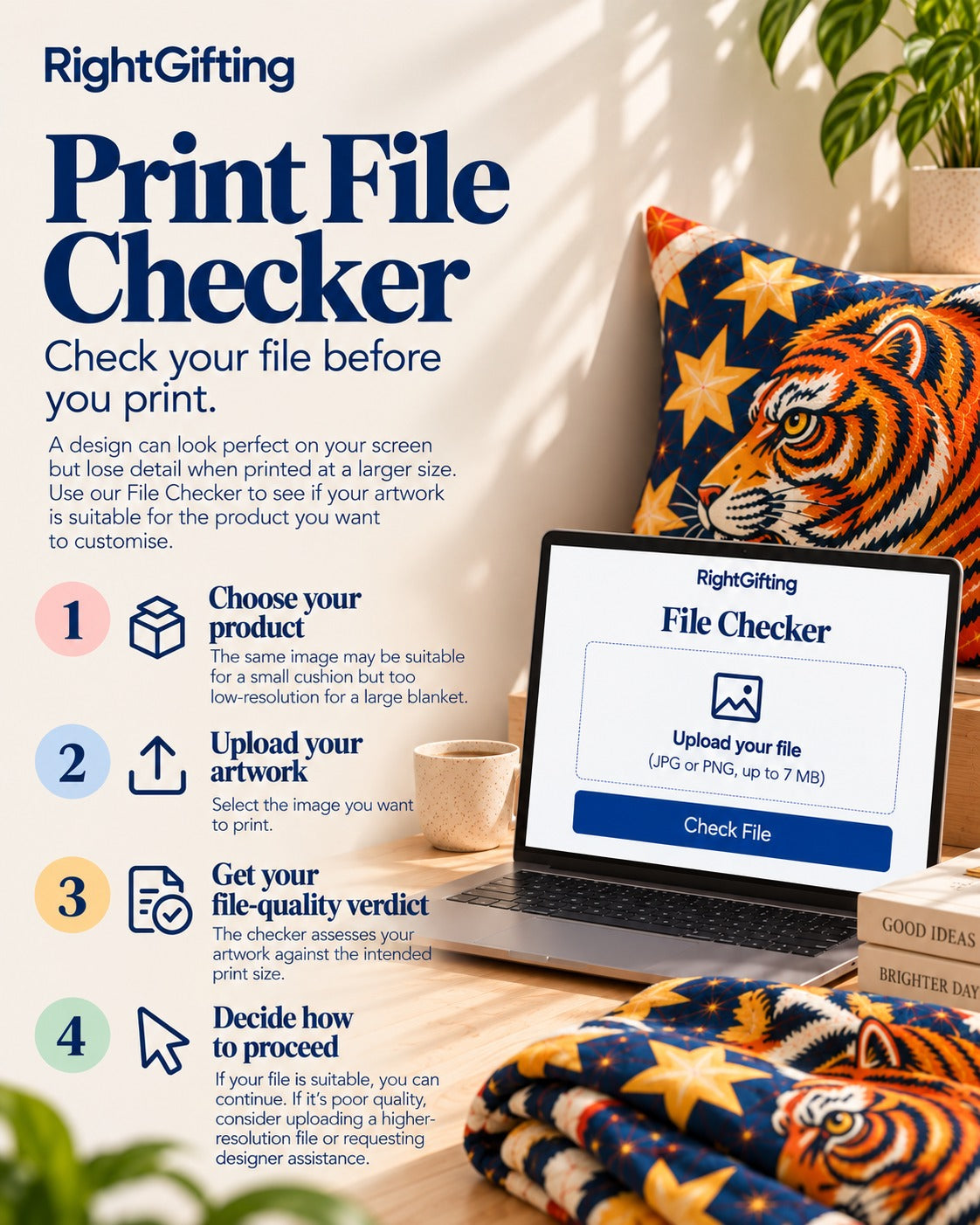
Pick the product, choose your picture, and see in seconds if it will print clearly. Then send it to us on WhatsApp. The check happens on your phone; nothing is uploaded.
1Which product is it for?
Start typing and pick from the list. Then pick the size.
2Your picture
Choose the original from your gallery, not a copy someone forwarded on WhatsApp. WhatsApp shrinks photos.
JPG, PNG or a phone photo. On a computer you can also drop the file here.

Pick a product and a picture. The result shows here.
What to do
3Send it to us on WhatsApp
Send the picture as a Document, not as a photo. That keeps the full size. WhatsApp shrinks photos.
- Tap the green button. WhatsApp opens with a message that says what you checked. Send it.
- In the same chat, tap the paper-clip , choose Document, then pick this picture: . Do not choose Gallery or Photo.
- We reply within 24 hours on working days with a proof.
Design fee rules
Our WhatsApp number is . On a computer, WhatsApp Web opens; then send the picture from your phone as a Document.
Prepare your picture
Six short guides. Click a tab to open one; double-click the poster for full size.





Common questions
Everything customers ask us about pictures, files, colours and changes.
File quality and resolution
What does the print check actually check?
It compares the number of pixels in your picture with the print size of the product and size you pick. That tells you if the picture has enough detail, or will lose detail when printed. It also looks for signs that the picture was enlarged or is out of focus.
It does not improve or correct your picture. The check runs on your phone; nothing is uploaded.
My picture looks clear on my phone. Why is it marked Poor?
Your phone shows the picture at a small size. Printing the same picture on a large blanket, curtain or luggage cover needs far more detail.
A photo can look excellent on a six-inch screen and become visibly blocky when enlarged to several feet.
What is dpi, and how much do I need?
Dpi means dots per inch: how many picture dots go into each inch of the print. Divide the pixels in your picture by the print size in inches and you have it. This page does that sum for you.
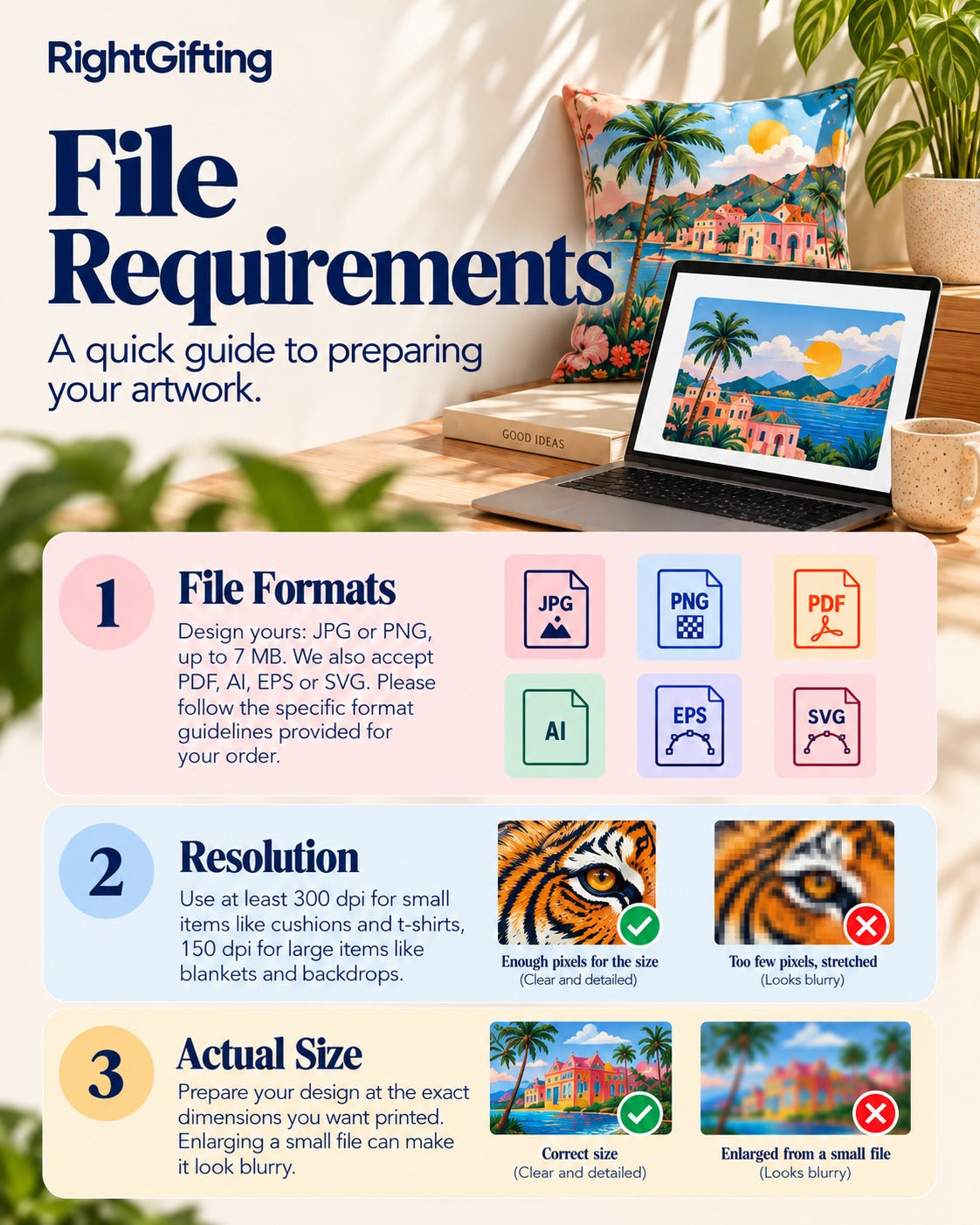
We look for about 300 dpi on small items you hold in your hand (cushions, mugs, t-shirt prints), 200 on things you wear, 150 on large items like blankets and curtains, and 100 or less on backdrops and banners seen from far away.
The number of pixels in the picture is what matters, not the dpi number saved inside the file.
Can I change a 72 dpi picture to 300 dpi and make it print-ready?
No. Changing the dpi number does not add detail that is not there.
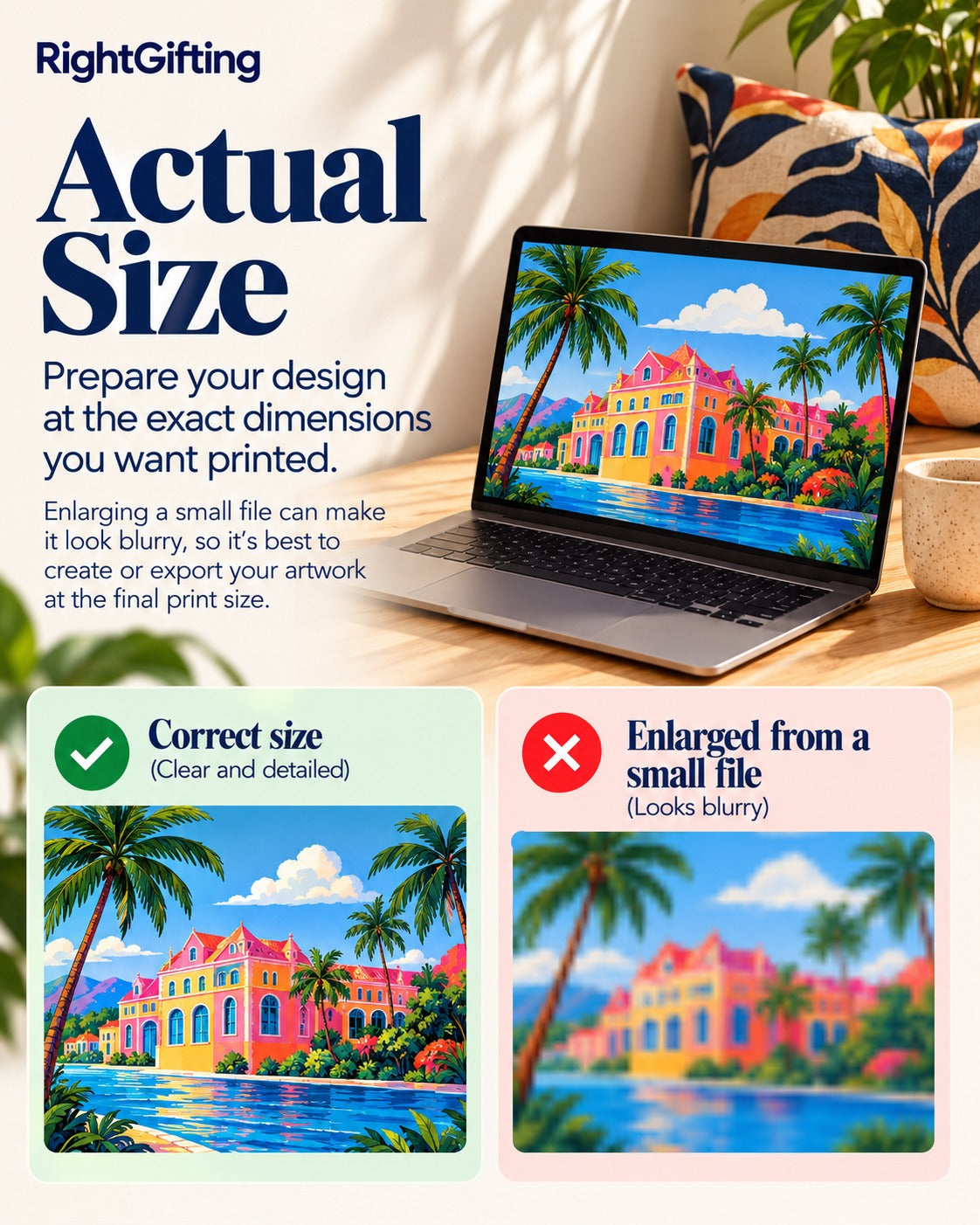
A 600 × 600 pixel picture stays 600 × 600 pixels whether the file says 72 dpi or 300 dpi.
You need a bigger original, or the artwork made again at the right size.
Can I use a photo downloaded from Google, WhatsApp or Instagram?
You can check it, but downloaded or forwarded pictures are usually shrunk and compressed. A WhatsApp photo is cut down to about 1,600 pixels.
For the best result use the original photo or artwork. If someone sent it to you on WhatsApp, ask them to send it again as a Document, which keeps the full size. Also make sure you have permission to print a picture you did not make.
Why does the same picture pass for one product and fail for another?
The detail needed changes with the print size.
A picture with enough pixels for a 12-inch cushion may not have enough for a 40-inch luggage cover.
The check uses the product and size you pick, so the result can change when you change them.
Raster, vector and file formats
What is the difference between raster and vector pictures?
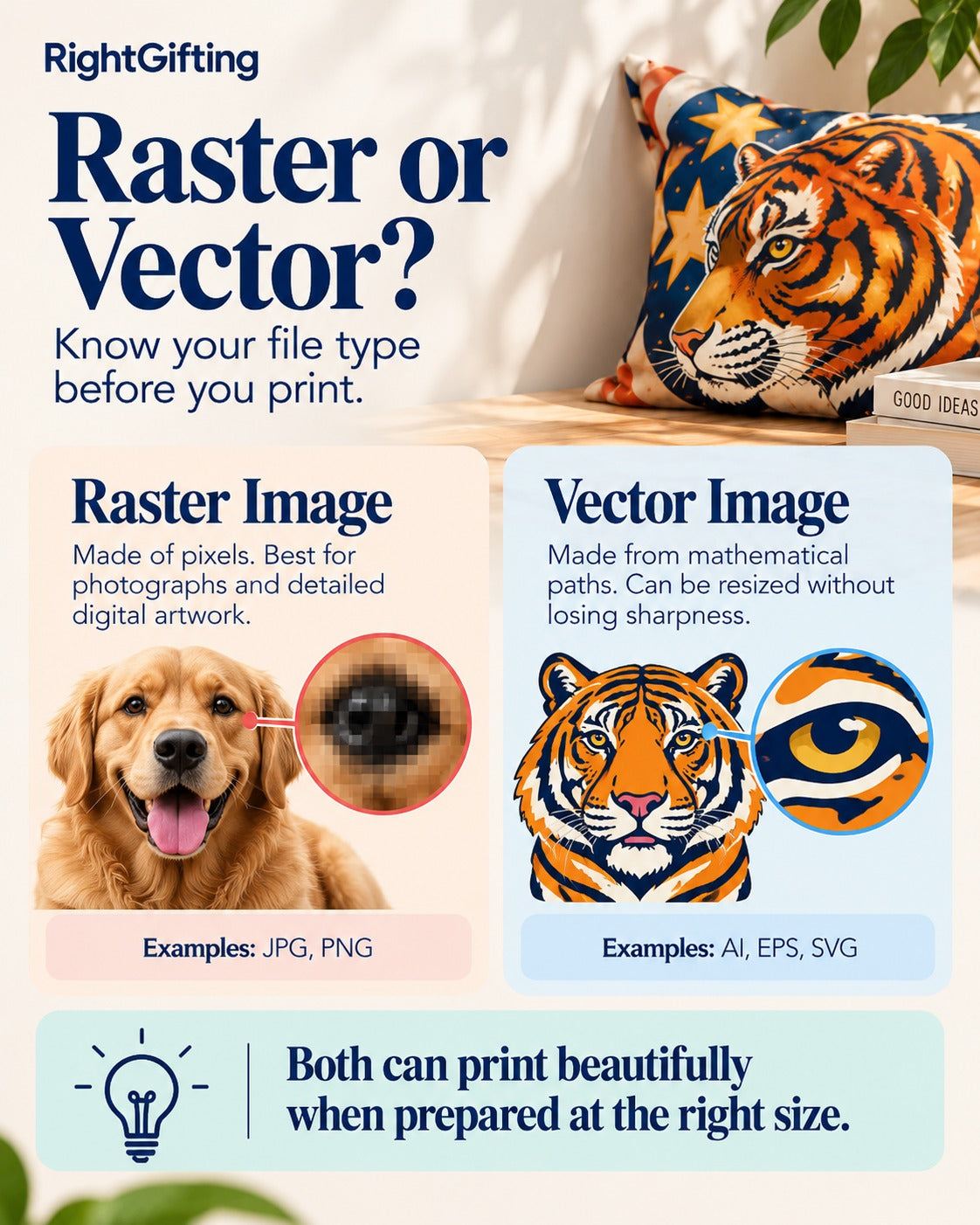
Raster pictures are made of pixels. Photos, digital paintings and most JPG and PNG files are raster. Enlarge them past their detail and they go blocky.
Vector pictures are made of lines and curves described mathematically. They suit logos, lettering and illustrations, because they can be made any size without losing sharpness.
Both print well when prepared correctly.
Is a PNG better than a JPG for printing?
It depends on the picture.
JPG suits photos and full-colour pictures. PNG keeps sharp edges on graphics and supports transparency.
A low-resolution PNG will not print better than a high-resolution JPG.
Which file types can I check and send?
On this page: a JPG, PNG or WebP picture (iPhone HEIC photos work in Safari). You then send it to us on WhatsApp as a Document.
Have a PDF, SVG, AI or other design file? Send it to us on WhatsApp as a Document too; we check it by hand.
For Design Yours, the customiser on product pages: JPG or PNG up to 7 MB. For RightPrints fabric orders, follow the file instructions given for your order.
Can I use artwork made in Canva, Photoshop, Illustrator or Procreate?
Yes. Export it at the print size you want, at the best quality the app offers.
Saving a design as a JPG or PNG turns it into a raster picture, even if you made it with vector tools. For logos and lettering, send the PDF or SVG as well.
Can a PDF be a vector file?
Yes. A PDF can hold vector artwork, raster pictures, or both.
Saving a small photo inside a PDF does not make it a vector or improve its quality.
Colour and fabric printing
Will the printed colours look exactly like they do on my screen?
Not always.
Screens show colour with light. Printed fabric shows colour with ink or dye on a textile surface.
Your screen settings, the fabric's colour and texture, and the printing process all affect the final look. An exact screen-to-print colour match cannot be promised.
Why does the same design look different on different fabrics?
The fabric changes how colour and detail appear.
Satin: smooth and shiny, so colours can look more vivid or reflective under light.
Cotton: matt finish; the natural fibre can soften colour depth.
Polyester: the result depends on the weave and the printing method.
Rayon: its surface and drape can change how colours appear.
Twill and textured fabrics: the visible weave can soften fine detail.
The same design can therefore look noticeably different across materials.
Will neon colours, very dark shades or fine details print accurately?
Some very bright screen colours cannot be matched exactly on fabric.
Very small text, thin lines and low-contrast details can also lose definition, especially on textured fabrics.
Check these at the real print size before you send the artwork. The real-size patch on this page helps.
Patterns and design placement
What is a seamless repeat?
A seamless repeat is artwork made to join without a visible break when it is repeated across a larger area.
It is used for fabric by the metre, curtains, tablecloths and all-over prints.
If the edges of the pattern do not line up, you will see lines where the design repeats.
Should I leave space around text and important parts?
Yes. Keep text, faces, logos and other details away from the edges of the print area.
Depending on the product, the edges can be affected by stitching, cutting, wrapping or finishing.
Can I send artwork with a transparent background?
PNG supports transparent backgrounds, but the result depends on the product and how it is made.
If transparency matters to your design, confirm with us on WhatsApp how it will be handled before you order.
Results and artwork help
What should I do if my picture is marked Poor?
Try the original photo instead of a copy, pick a smaller print size, or make a new file with enough detail. The result box on this page lists the steps, including free AI enlarging tools.
If you cannot fix it yourself, ask us for artwork help on WhatsApp.
A Poor result warns you about likely print problems. It does not mean the picture is unusable for every product.
Does a Good result guarantee a perfect print?
No. It means the picture has enough detail for the product and size you picked.
Colour, fine details, fabric texture and other production factors can still affect the final look.
Does RightGifting correct my file automatically?
No. The check only looks at the picture you choose.
If you need help adjusting your artwork, ask our designer on WhatsApp. We tell you any charge before the work starts.
Changing your artwork
How many changes are free?
Your first proof is free, and your first round of changes is free.
Every round after that costs ₹150, however small the change. Moving a line, correcting a word or changing a small detail still counts as a round.
What counts as one round?
One round is one combined list of all the changes you want.
To avoid extra charges, look at your artwork carefully and send all your changes together.
Can I ask for a completely new design?
Making new artwork, or redesigning most of an existing file, is different from a change round. It costs ₹250 to ₹500, taken off your order.
Can I change my artwork after production begins?
Once your artwork has gone into production, changes are usually no longer possible. Please make sure the final design you send is correct.
What if the mistake is yours?
Our mistake is always fixed free.
No question matches. Show all, or ask us on WhatsApp below.
Still not sure?
Send us the picture on WhatsApp as a Document and we will check it by hand.
